Redirects
Under Redirects, you redirect addresses on the website, per environment.
- Click Add redirect.
- Fill in Source, which must start with
/, for example/old. - Fill in Target: a path on the same website (starts with
/) or a full address (starts withhttp://orhttps://). - Choose Permanent (301) or Temporary (302).
- Click Save and confirm.
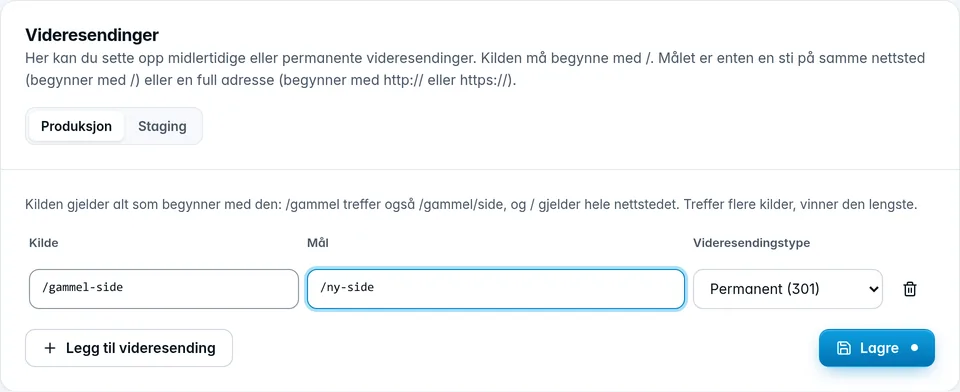
The source applies to everything that starts with it: /old also matches /old/page, and / applies to the whole website. If several sources match, the longest one wins. An environment can have at most 200 redirects.
Was this page helpful?