Copy data between environments
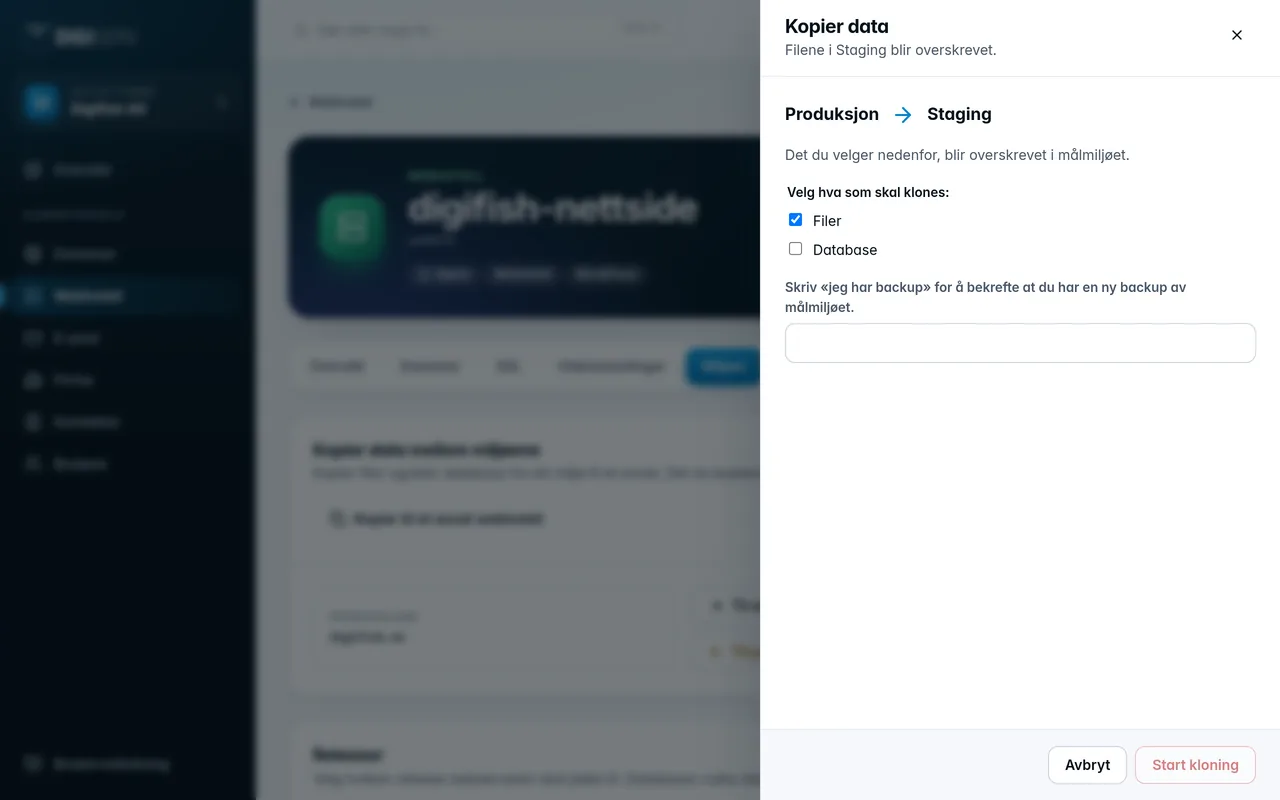
When the web hosting account has staging, Environments shows the card Copy data between the environments. The arrows show the direction.
- Click To staging (from production) or To production (from staging).
- Tick Files, Database or both.
- Type
i have a backupin the field to confirm that you have a recent backup of the target environment. - Click Start cloning.
- On standard web hosting, you can also copy to another web hosting account in the company with Copy to another web hosting account. There you choose the source and target yourself.
- On container hosting, copying only works between production and staging in the same account. The code is not included. It comes from the Git deployment for each environment. Files means the persistent volumes (and the uploads for WordPress). The application in the target environment is down while the copy is running.
- A database can only be copied when both environments have a database on the same database server.
Was this page helpful?