Order a new web hosting account
Click New web hosting in the list, or go straight to Create new web hosting. The wizard has three or four steps.
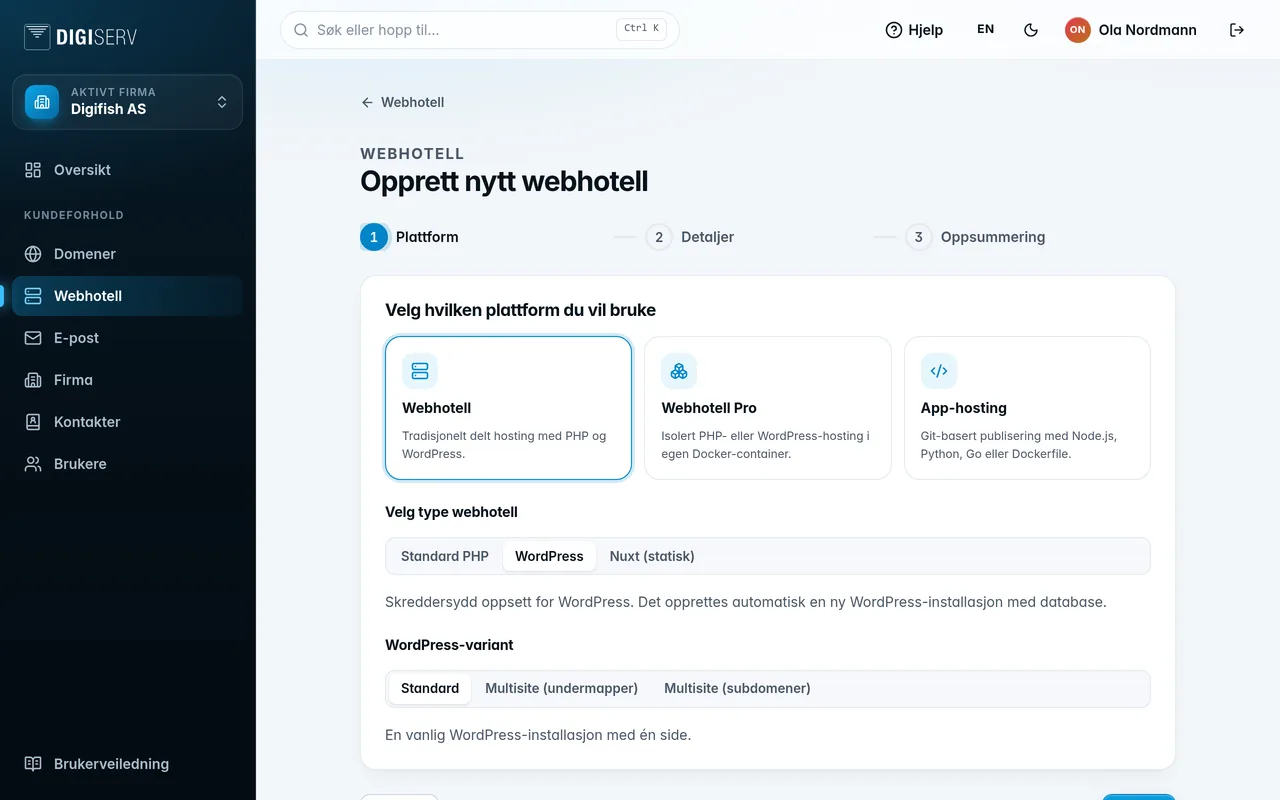
- Platform. Choose Web hosting, Webhotell Pro or App Hosting, and then the type:
- Web hosting: Standard PHP, WordPress or Nuxt (static). If you choose WordPress, you may also get to choose between Standard and two variants of WordPress Multisite.
- Webhotell Pro: PHP or WordPress.
- App Hosting: Node.js, Python, Go or Other.
- Size (Webhotell Pro and App Hosting only). Each size shows memory and CPU, and the monthly price when we bill the account. Prices are excl. VAT, and the test environment (staging) is included. You can change the size yourself later.
- Details. Fill in Alias, a name that makes the account easy to recognize. The alias can only contain 0 to 9, A to Z, _ and -. For WordPress, you also fill in Site name. The servers are preselected. For WordPress on standard web hosting, you can choose Install WordPress automatically and Support for WordPress Bedrock.
- Summary. Check your choices and click Create.
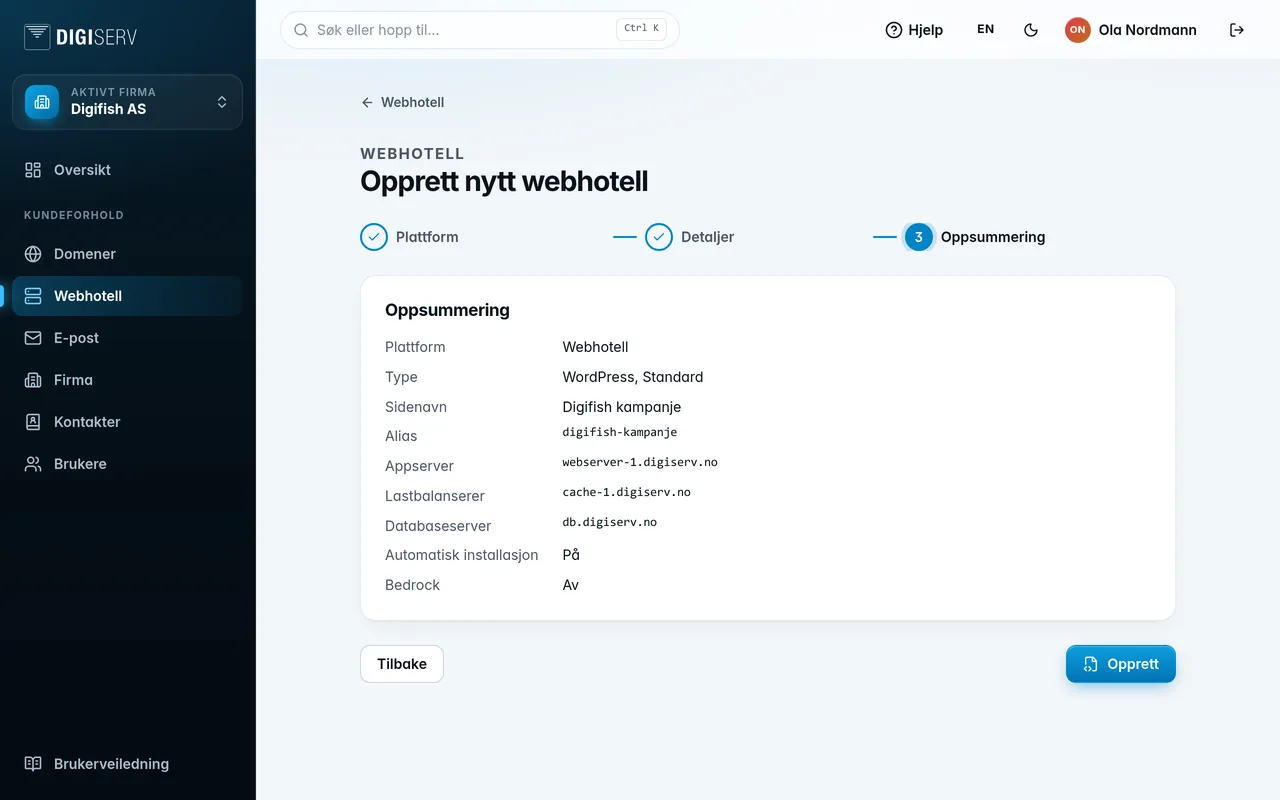
The account is set up in the background, and you can follow the progress in the list. If you choose WordPress, the username and password for the WordPress administrator are shown once you have clicked Create.
The account responds on a system address until you connect your own domain. How to do that is described under Domains and primary domain.
Was this page helpful?