Backup
All production environments are backed up automatically once a day. The backup includes both files and database. The Backup tab shows the backups for the selected environment.
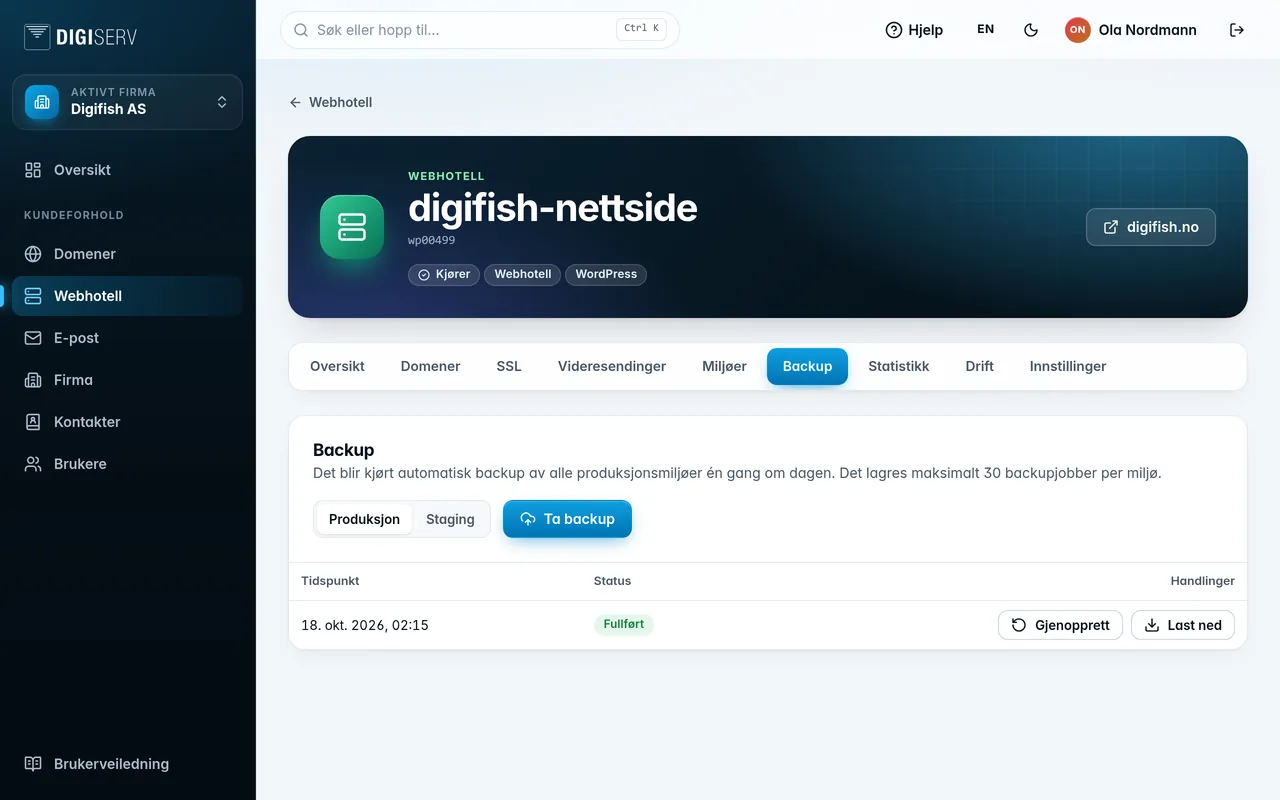
Back up now
Click Run backup and confirm. The job runs until it is finished and cannot be cancelled. Always take a backup before major changes.
Restore
- Find the backup in the list. Only backups with the status Completed can be restored.
- Click Restore, and confirm with Yes, restore now!.
On container hosting, the backup becomes a new release. The container is rebuilt, and the website stays up until the new container is ready.
Download
Click Download, then Download (link valid for one hour). The link works for one hour.
Was this page helpful?