Cancel or delete the domain
Under Settings, you see the domain's subscription and how long it is paid for. To cancel a domain with a subscription, send your cancellation in writing to support@digiserv.no, and say at the same time whether the domain should be deleted or transferred to another provider. We register the cancellation and confirm the end date by email. The deadline is 45 days before the next billing period. The full rule is under Cancel a subscription.
The domain works as before until the end date. The day after, the DNS zone is removed from the name servers, and the domain disappears from the control panel. If the domain is to be kept with another provider, ask the new provider to start the transfer in good time, so that it is completed before then. If you need a transfer code, you can get it from us as long as the domain is with us.
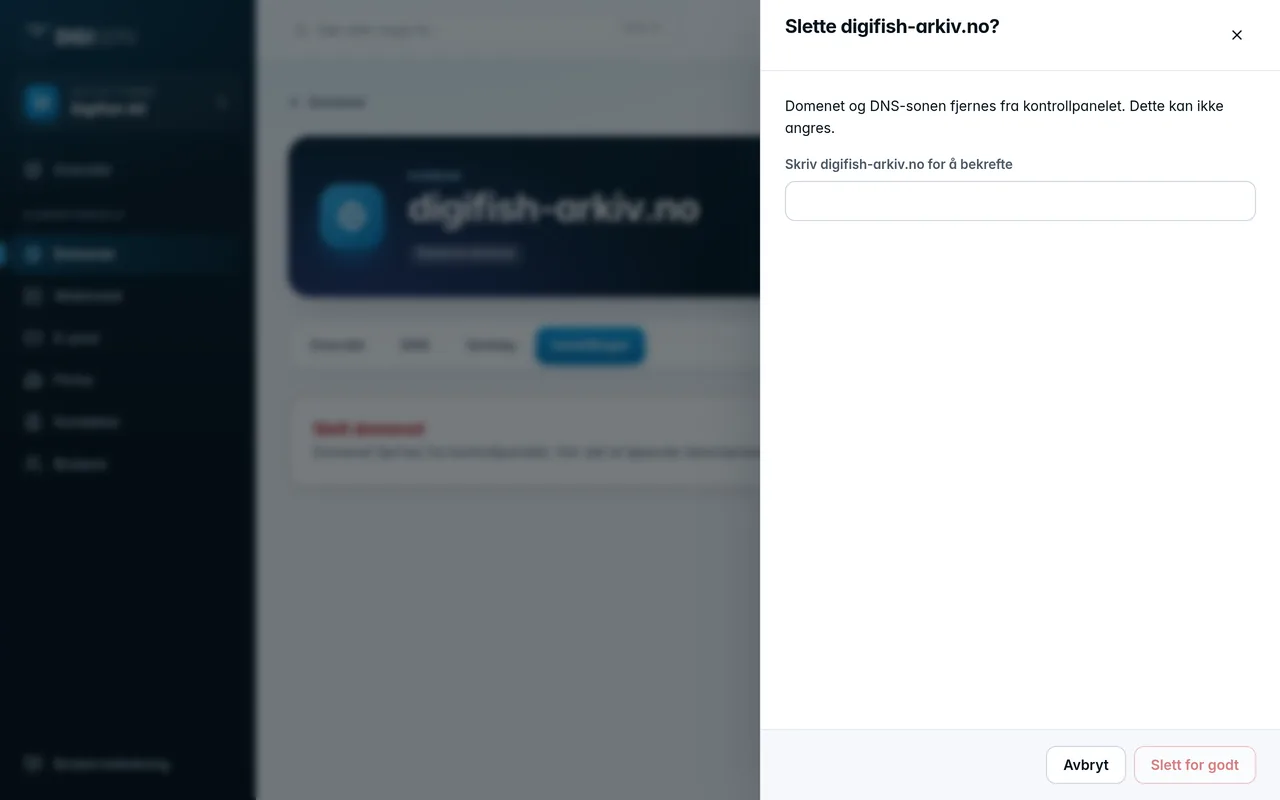
You can delete a domain without an active subscription yourself, for example a domain you have added from another provider:
- Go to Settings and click Delete the domain.
- Type the domain name to confirm, and click Delete permanently.