Share the domain
Under Settings is the Shared with card. There you give others access to the domain without them joining the company, for example a contract developer.
- Enter the email address under Email address.
- Optionally, set a date under Access until (optional).
- Click Give access.
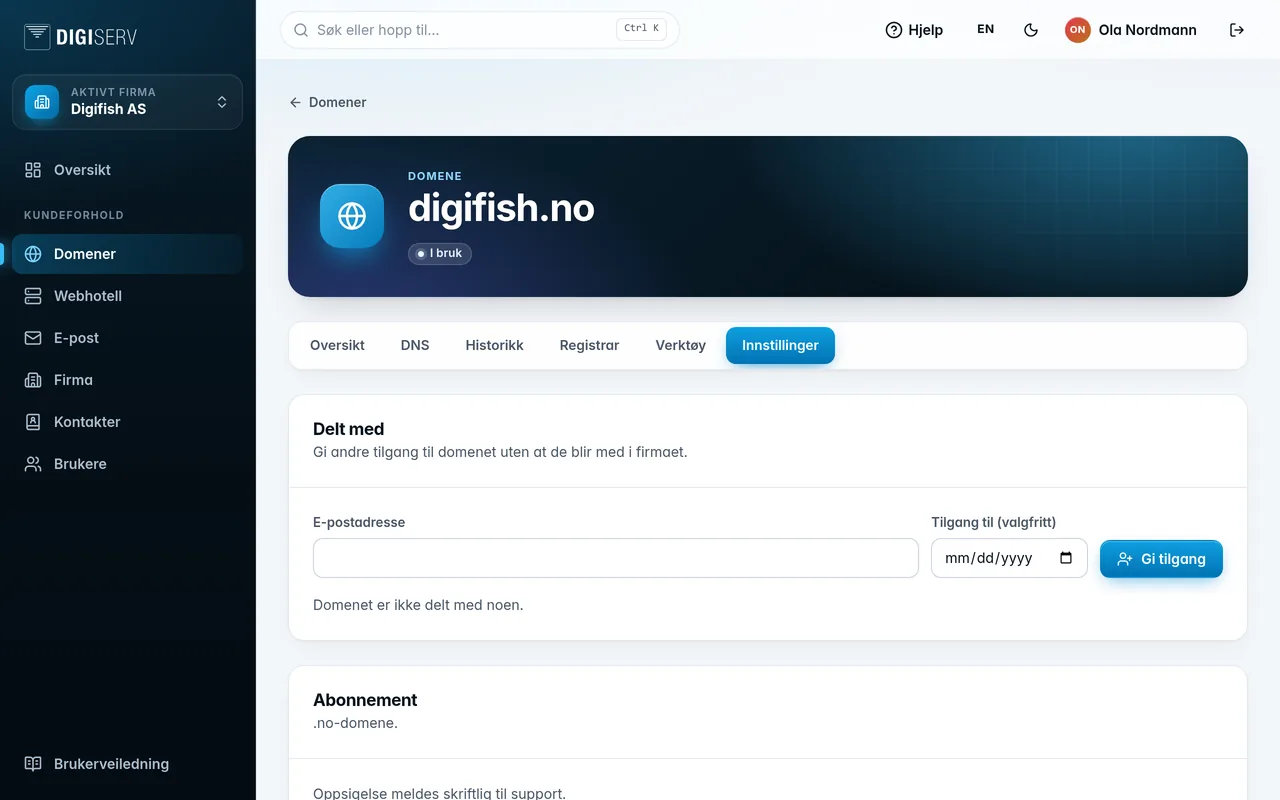
If the person already has a user in the panel, they get access right away. Otherwise, an invitation is sent by email. The card is only shown when the domain has a subscription. Read more in Users and sharing.
Was this page helpful?