History
Before every major change to the DNS zone, we save the zone as it was. Under History, you see the saved versions on the left, with the time and reason (for example Automatic copy or Before import).
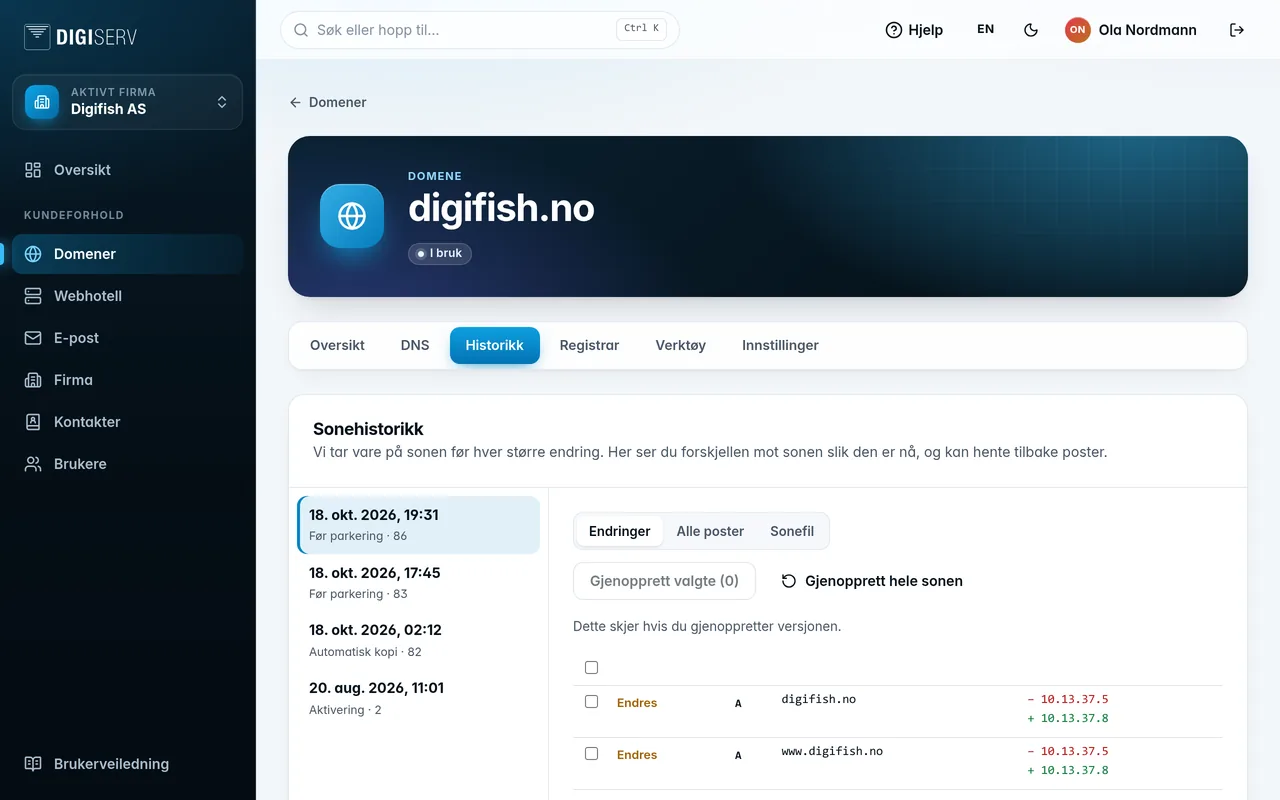
- Changes shows what happens if you restore the version: which records are added, removed or changed.
- All records shows all the records in the version.
- Zone file shows the version as text.
To bring back individual records, tick them under Changes and click Restore selected. The rest of the zone is left untouched. Restore the whole zone makes the whole zone match the version. The current zone is saved to the history first, so you can undo.
Was this page helpful?