Order a new domain
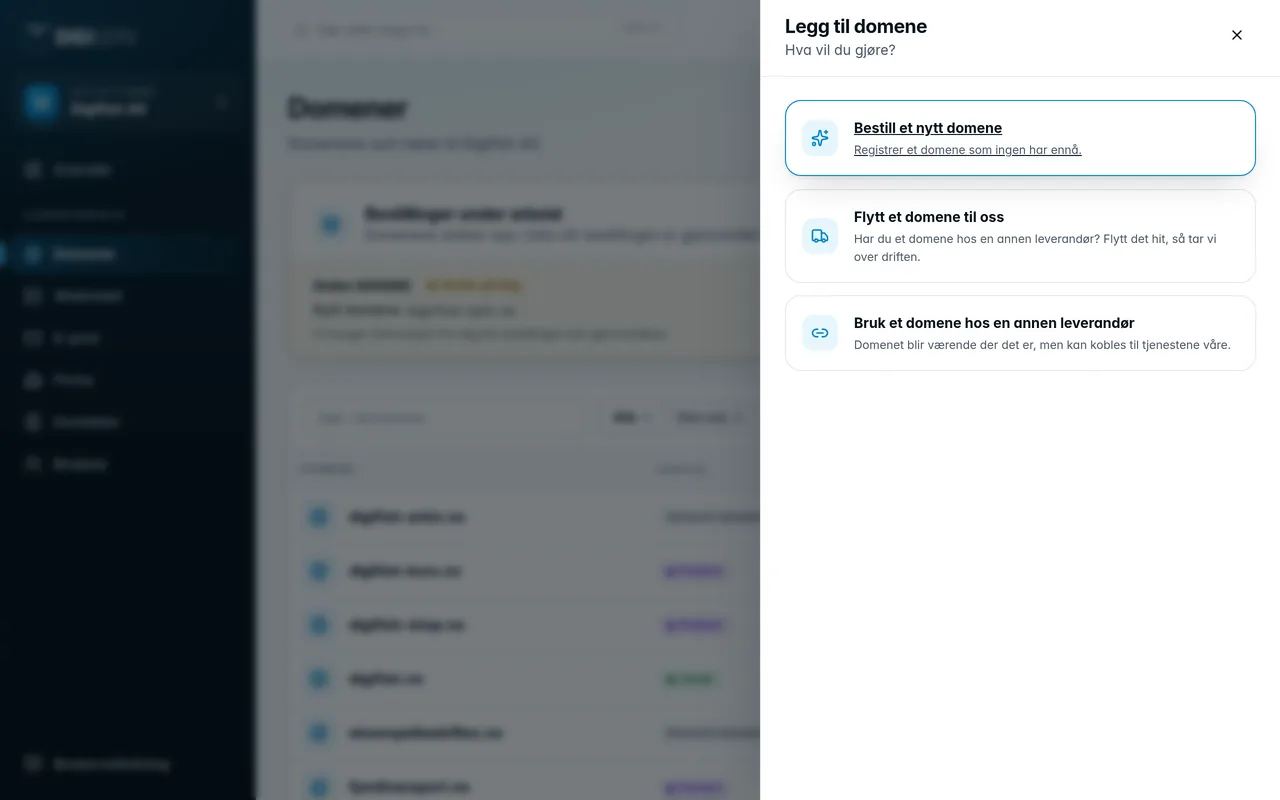
- Click Add domain at the top of the domain list.
- Choose Order a new domain.
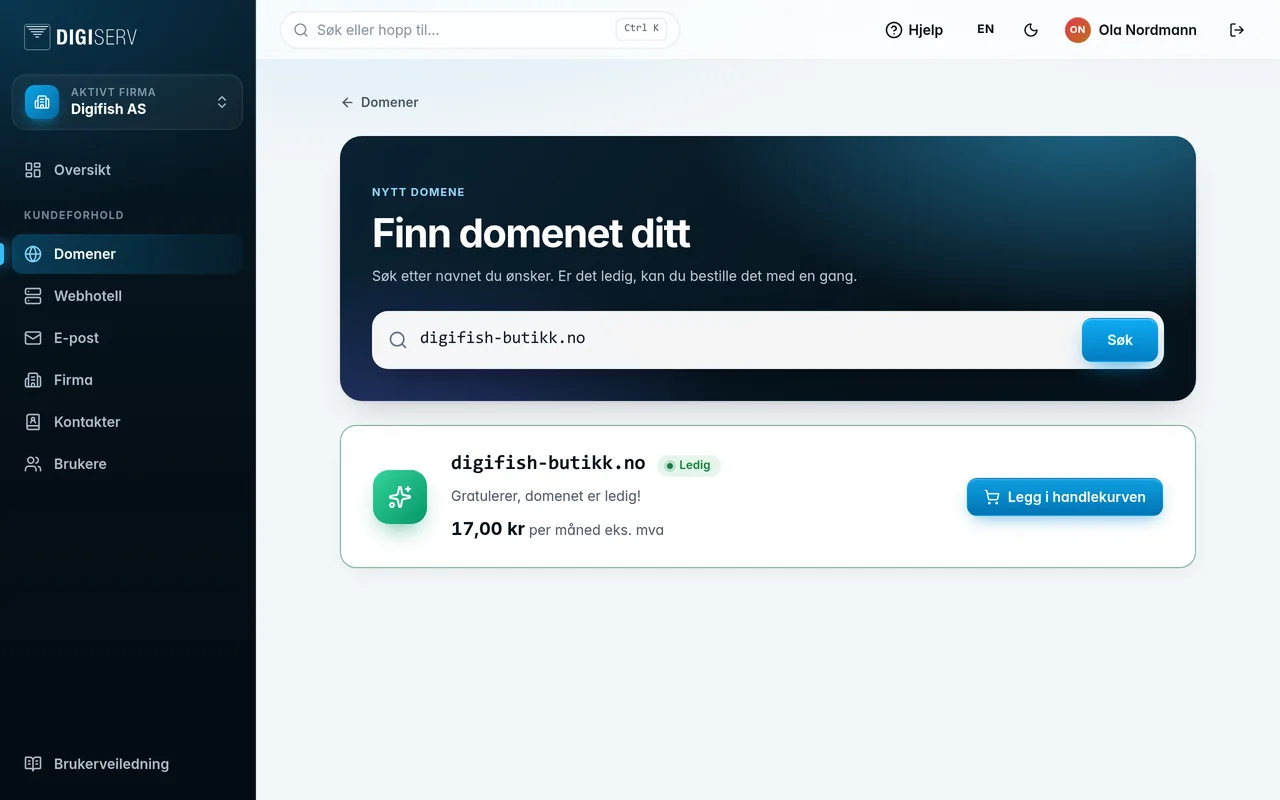
- Type the name you want, for example
mycompany.no, and click Search. - If the domain is available, you see Available and the price per month excl. VAT. Click Add to cart.
- If you want more domains, search again. Click Go to checkout when you are done.
You place the order itself from the cart. See Orders and cart.
For .no domains, Norid requires the registrant to sign an applicant's declaration. You fill it in on the order page after the order has been placed. When the domain is registered, it appears in the list as Parked.
Was this page helpful?