Webmail: get started in a minute
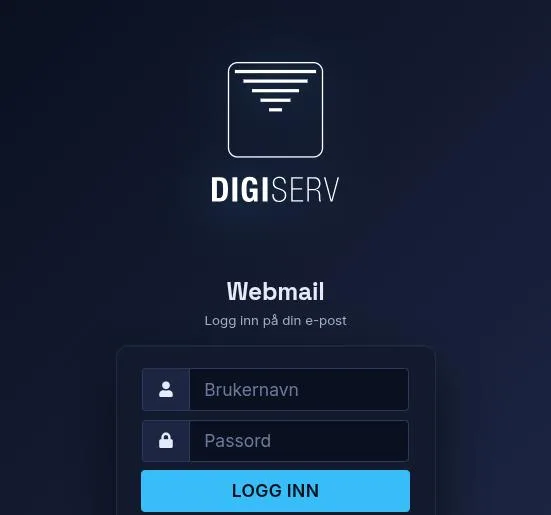
You don't need to install anything to read your email. Go to webmail.digiserv.no and log in with your full email address as the username, and your password.
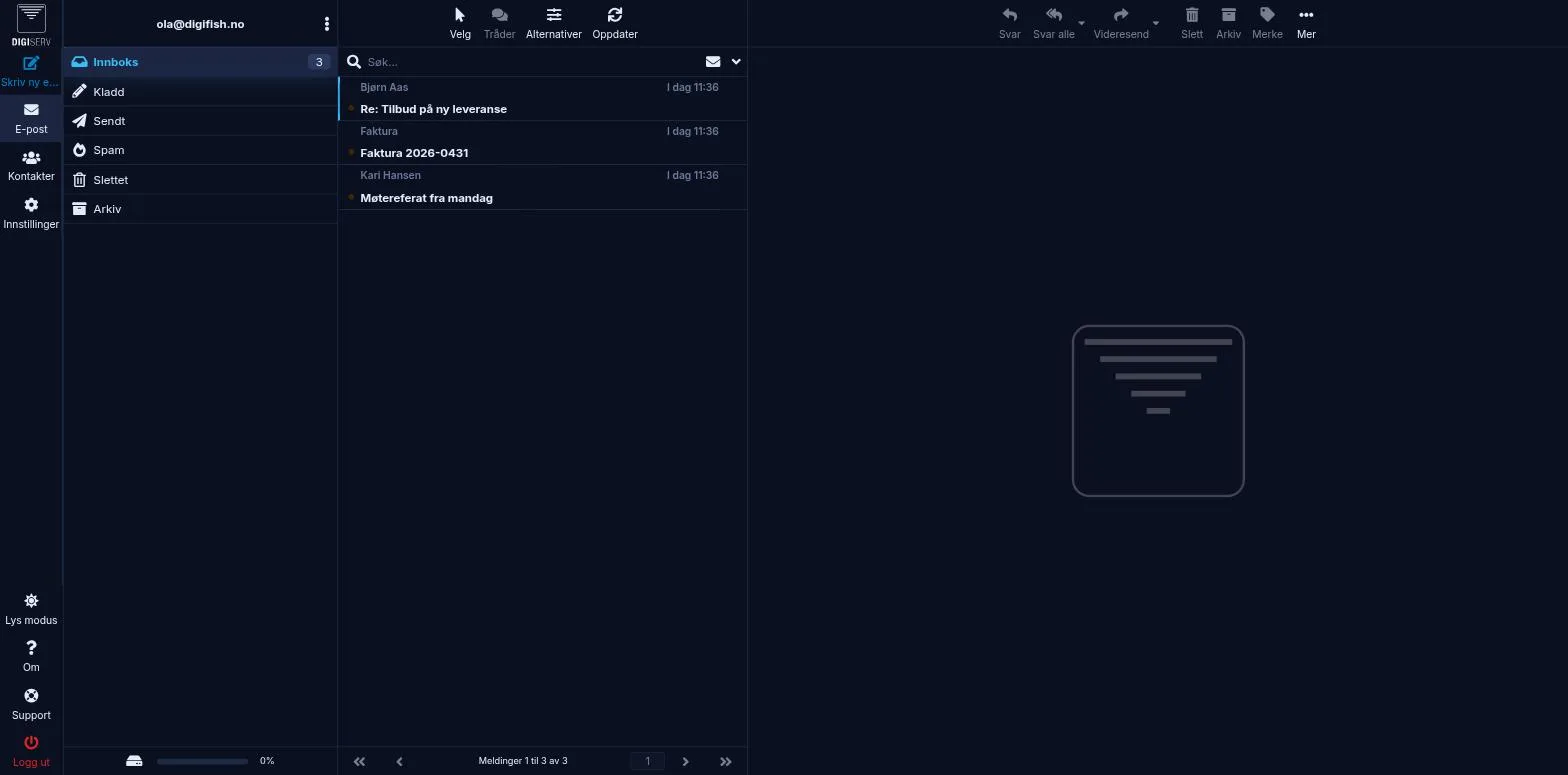
In webmail you can read and send email, organize folders and set up an out-of-office reply. The folders in the left sidebar are Inbox, Drafts, Sent, Spam, Trash and Archive.
Change the look
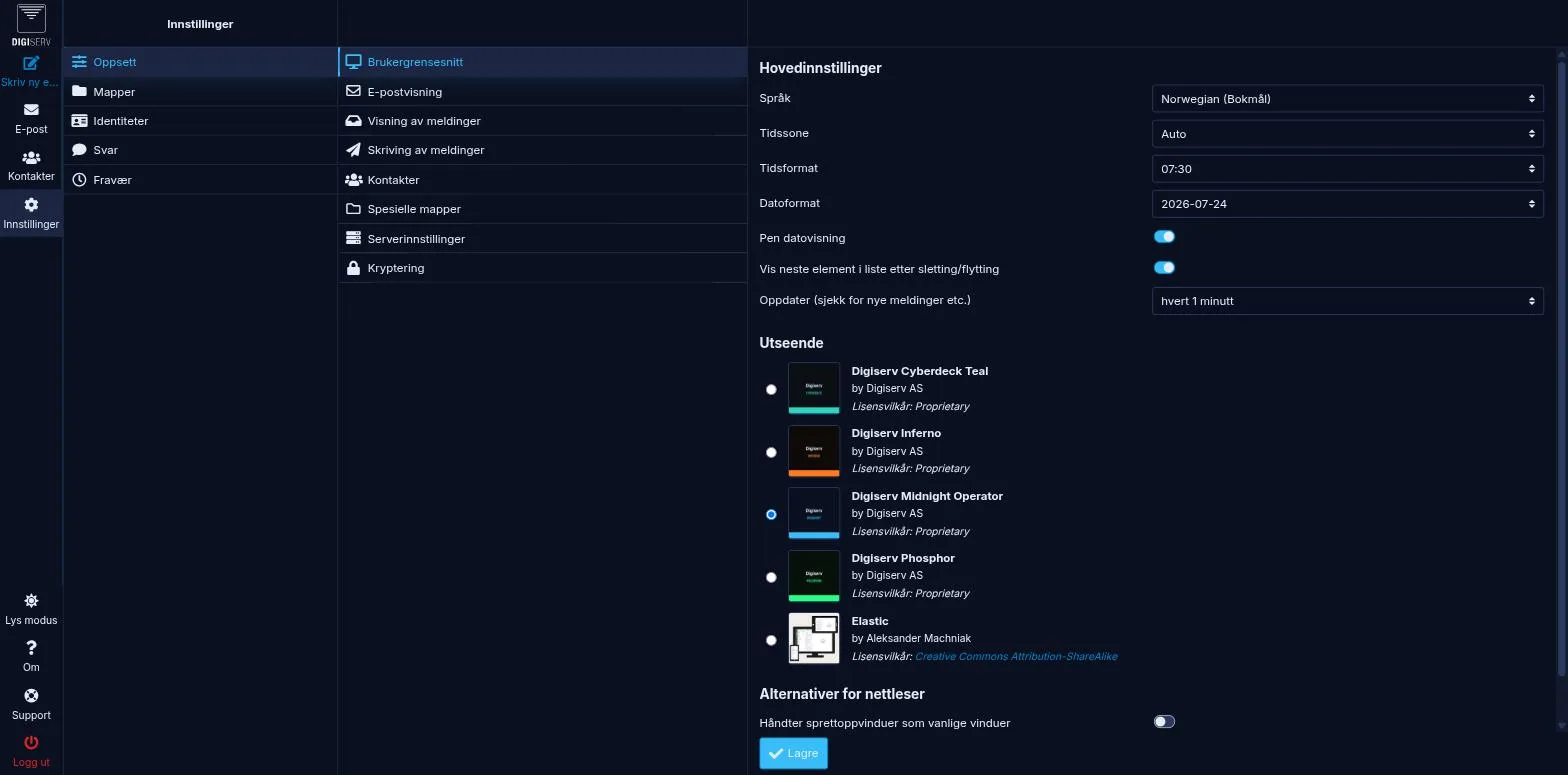
Go to Settings, Preferences and User Interface, and choose under Interface skin. The Light mode button at the bottom left switches between dark and light.
Was this page helpful?