Your email domains
Under Email in the menu, you see your company's email domains: status, how many accounts are in use, and how much storage they use in total. Click a domain to manage it.
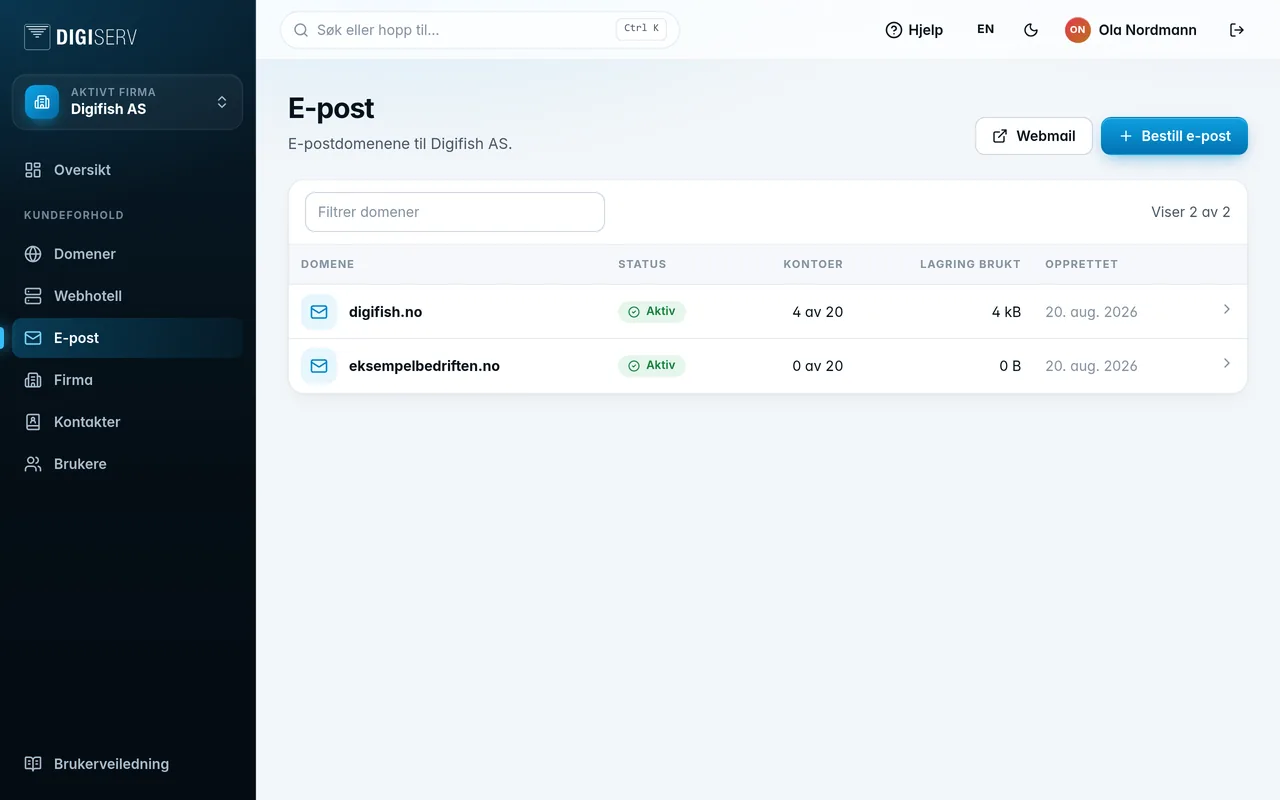
The Webmail button at the top opens webmail in a new tab. That's where users log in with their email address and password.
The status tells you where the service stands:
| Status | Meaning |
|---|---|
| Setting up | The service is being set up. It usually takes less than five minutes, and the page updates on its own. |
| Active | Email is up and running, and you can create accounts. |
| Suspended | The service has been shut off. Contact us for more information. |
Was this page helpful?