Distribution lists
A distribution list is a single address that passes incoming email on to several recipients. The recipients can be accounts on the domain or external addresses. Typical uses are staff@ and board@.
- Go to the Distribution lists tab and click New list.
- Enter an Address and optionally a Name, and click Create the list.
- Click the list in the table to add members.
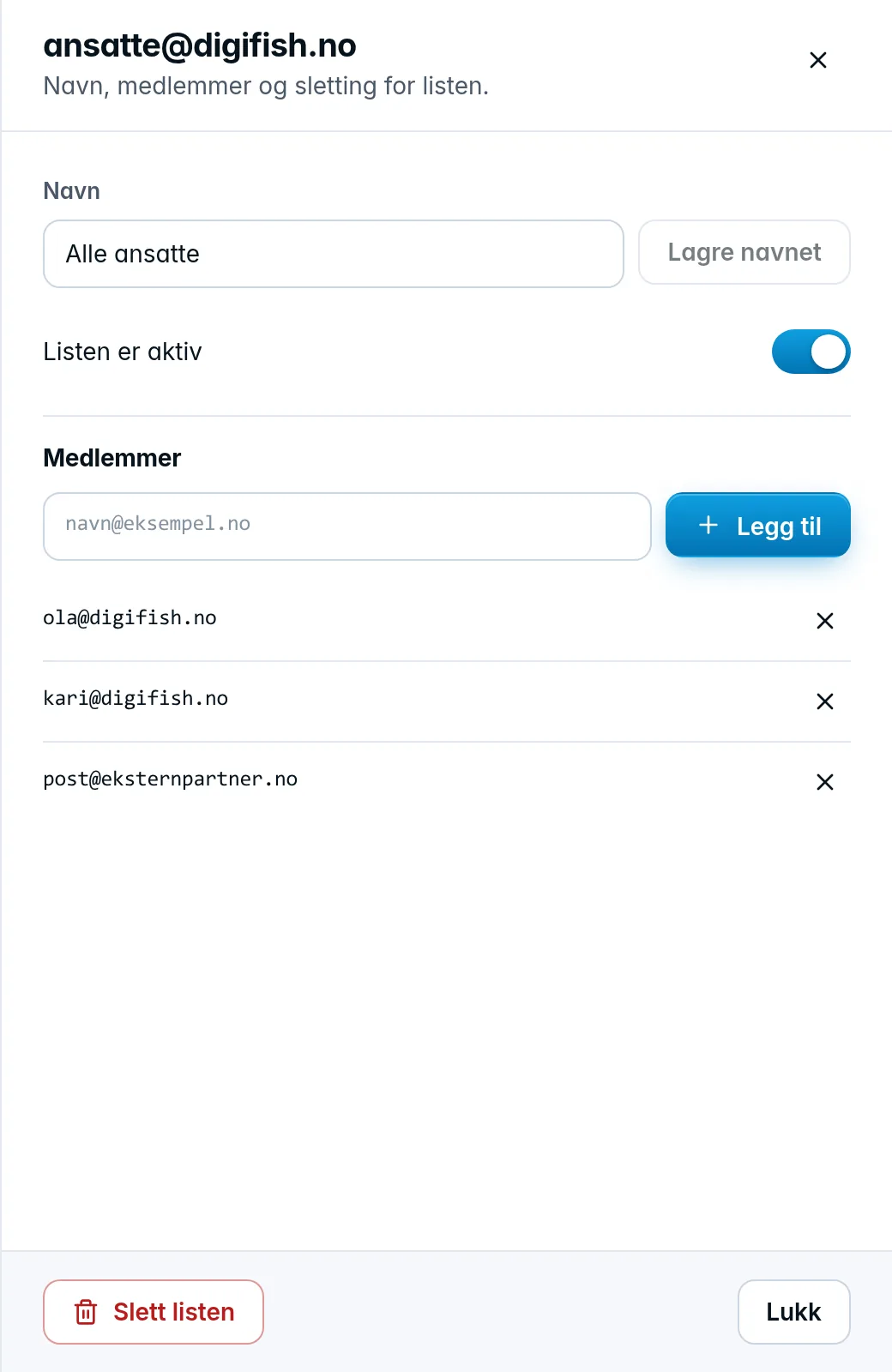
In the list drawer, enter an address in the field under Members and click Add. Repeat for each recipient. The X next to a member removes it.
- A list with no members delivers nothing. It shows No recipients in the table.
- If you add an alias, the account the alias delivers to is saved instead. The panel tells you which address was saved.
- A list can't be a member of another list.
- An address on your own domain must exist, or it's rejected.
- A list can have at most 50 members.
The The list is active switch turns the list on and off. Delete the list at the bottom of the drawer deletes it, and the address stops receiving email.
Was this page helpful?