Order email
Email is ordered for one domain at a time, and the domain must already be in the control panel. If you don't have the domain yet, see Domains.
- Go to Email and click Order email.
- Choose the domain under Domain.
- Read the message below the domain. It tells you whether we host DNS for the domain, or whether you need to add the DNS records yourself.
- Click Add to cart, and complete the order in the cart.
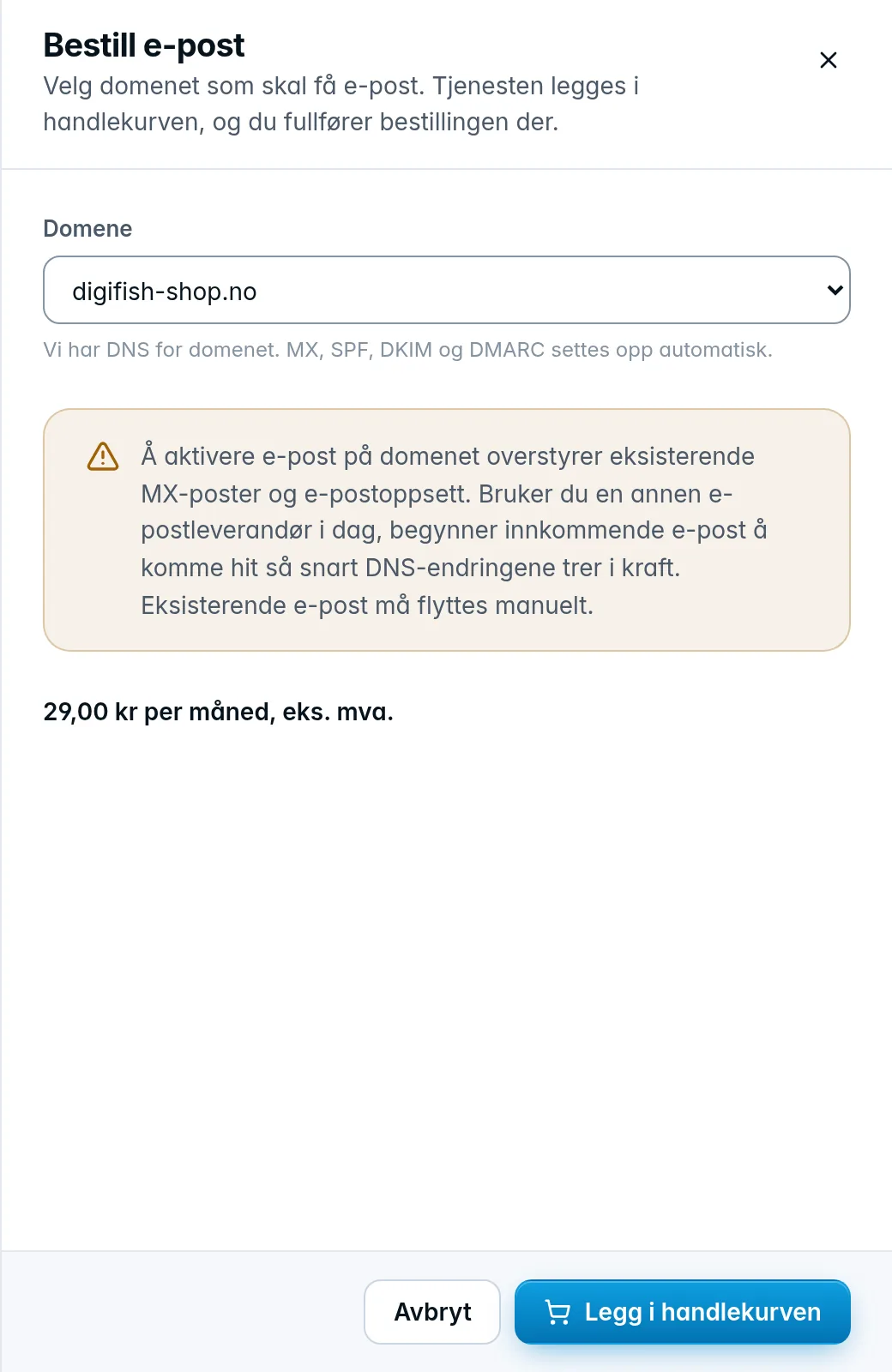
The monthly price is shown in the drawer. Once the order has been delivered, the domain gets the status Setting up and then Active. See also Orders and cart.
Was this page helpful?