Quick search
The Search or jump to… field at the top of the page is a shortcut to all the pages you have access to. You open it with a click, or with Ctrl + K (Cmd + K on a Mac).
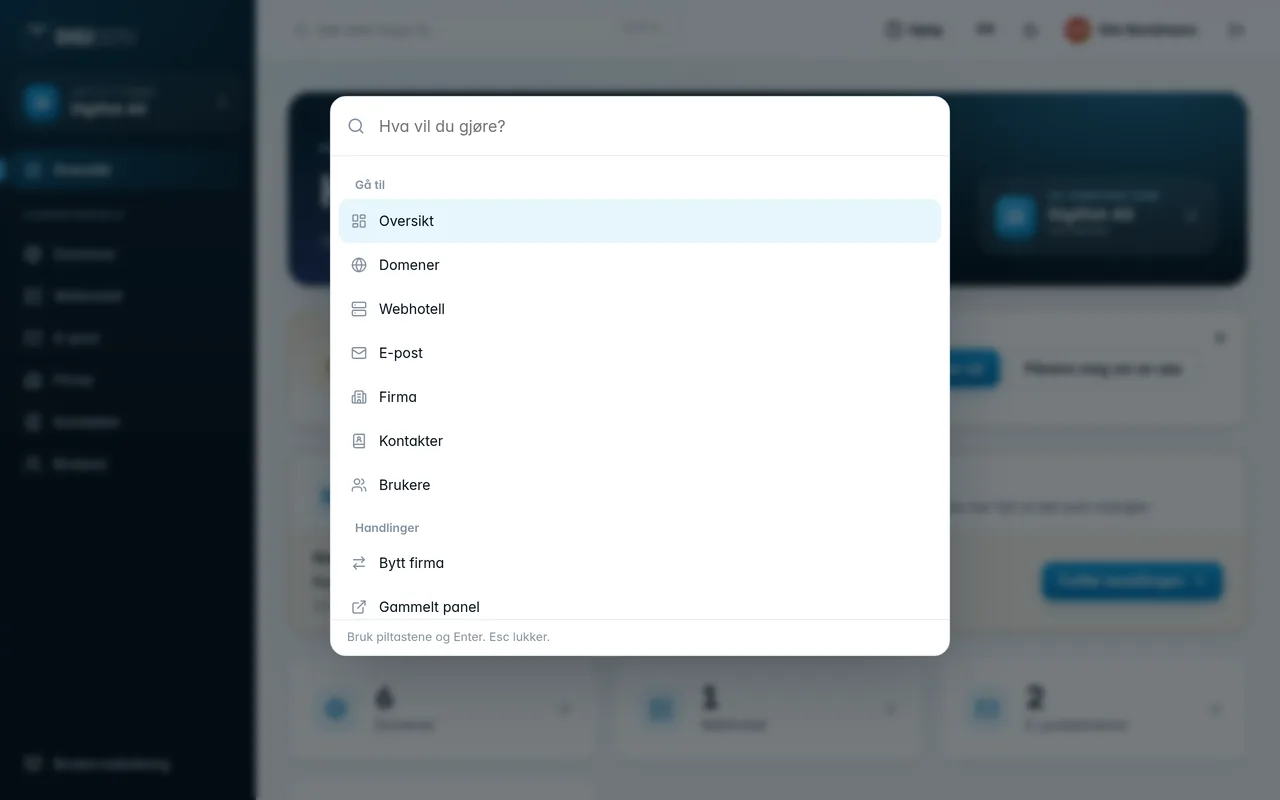
- Type a few letters of what you're looking for, for example “dom” for Domains.
- Choose with the arrow keys and press
Enter.Esccloses it.
Under Actions you'll also find Switch company, My profile, Old panel and Log out.
Was this page helpful?