Edit and delete a record
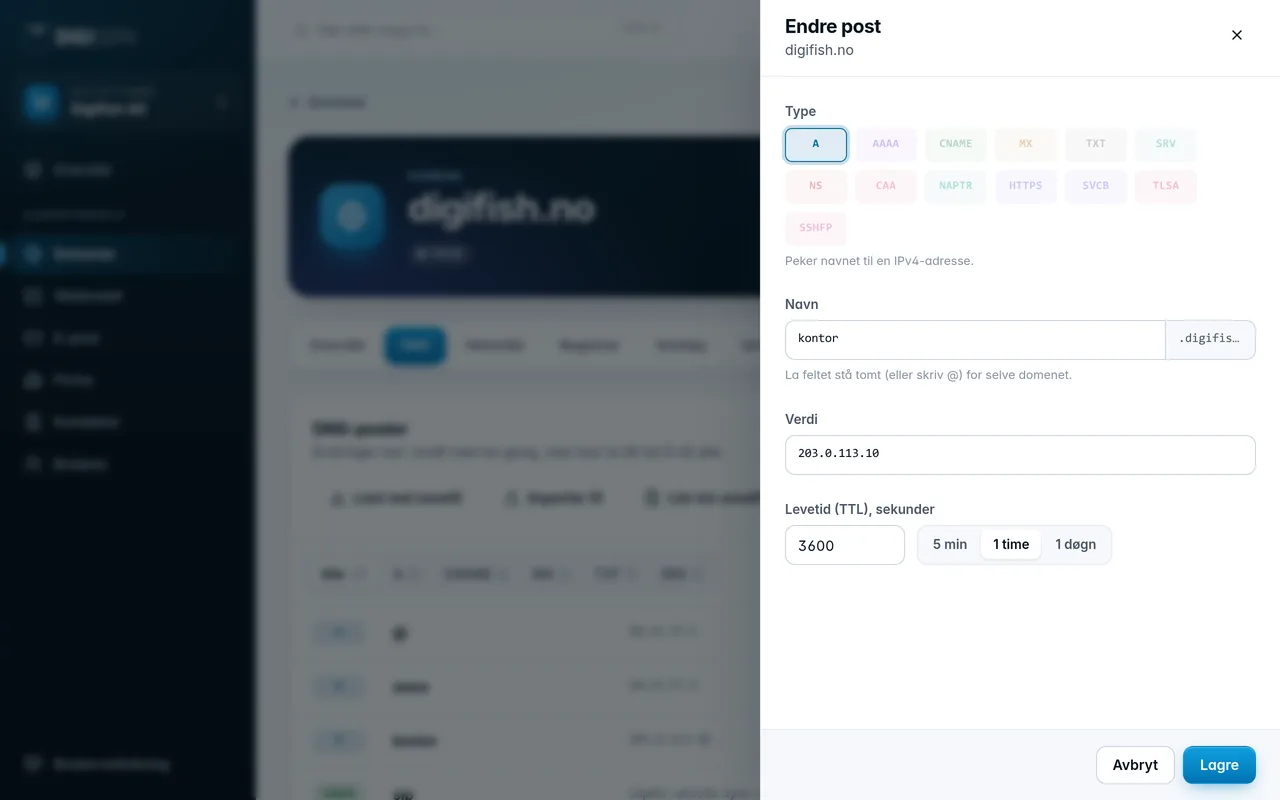
- Click the pencil on the row to edit the record. Make the change and click Save. The type cannot be changed. If you want a different type, delete the record and create a new one.
- Click the trash can to delete the record. The dialog shows the record, so you can check that it is the right one before you click Delete.
Some records have no buttons. This applies to types the panel cannot edit, for example the SOA record, which is managed by the system.
Was this page helpful?