Invite a colleague
- Click Invite user.
- Enter your colleague's email address.
- Click Send invitation.
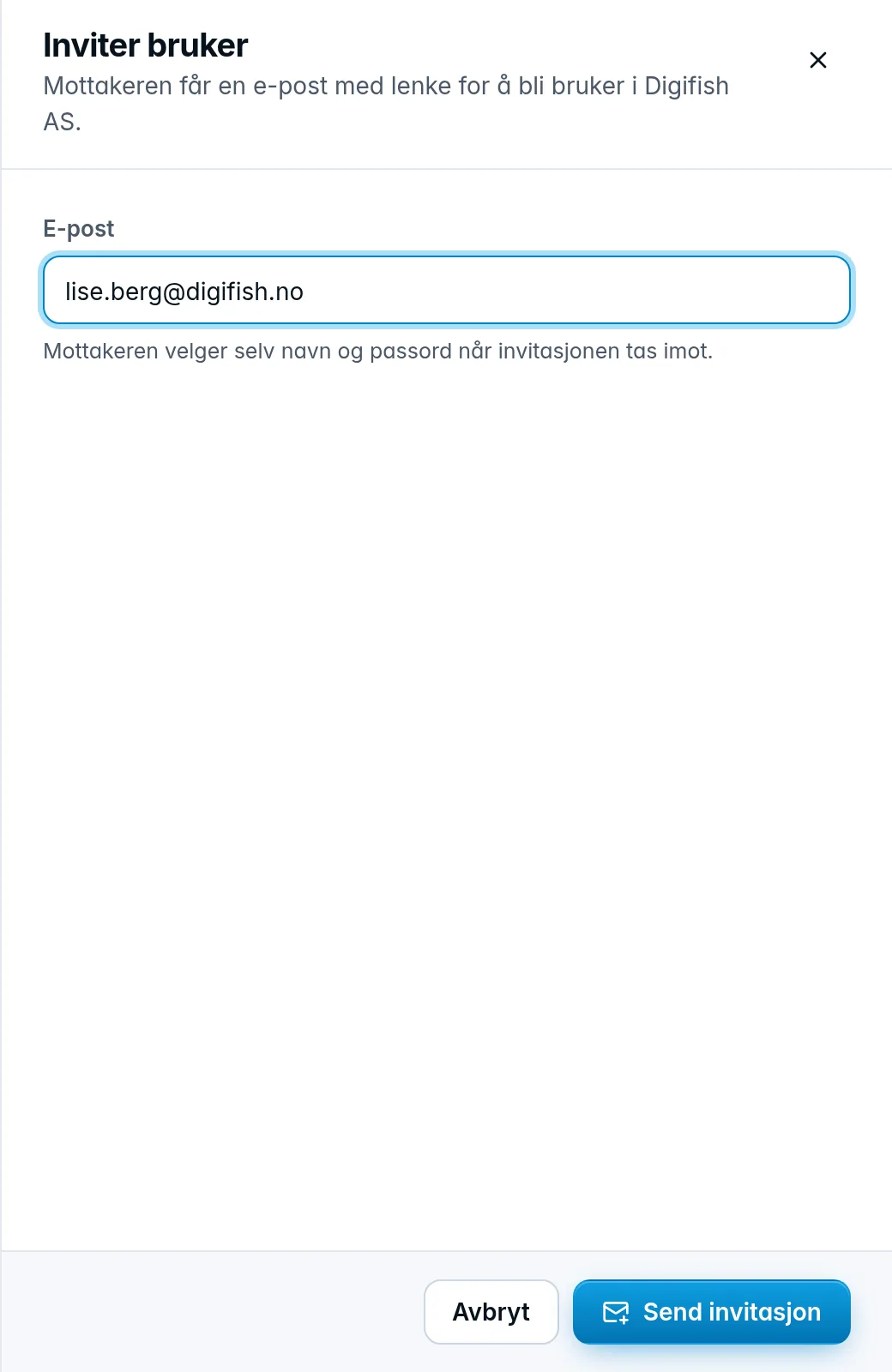
Your colleague gets an email with a link to become a user in the company, and chooses their own name and password when accepting the invitation. If the company has sign-in with Microsoft, your colleague can accept the invitation with their Microsoft account instead, see Sign in with Microsoft. The link is valid for 14 days. If your colleague already has a user with us, the company is added to that user, and they switch between companies in the company switcher.
The domain in the email address must accept email, otherwise the invitation is rejected. This catches typos in the domain.
Pending invitations
Invitations that have not been accepted yet are listed under Pending invitations with the date they were sent and when they expire.

- Send again sends a new email with a new link. The old link stops working. This also works for invitations marked Expired.
- The trash can (Withdraw) makes the link in the email stop working.
Was this page helpful?