Turn on two-factor authentication
With two-factor authentication, you enter a one-time code from an authenticator app in addition to your password when you sign in. That way no one can get into your account with just the password. You need an app like Google Authenticator, Authy or Microsoft Authenticator on your phone.
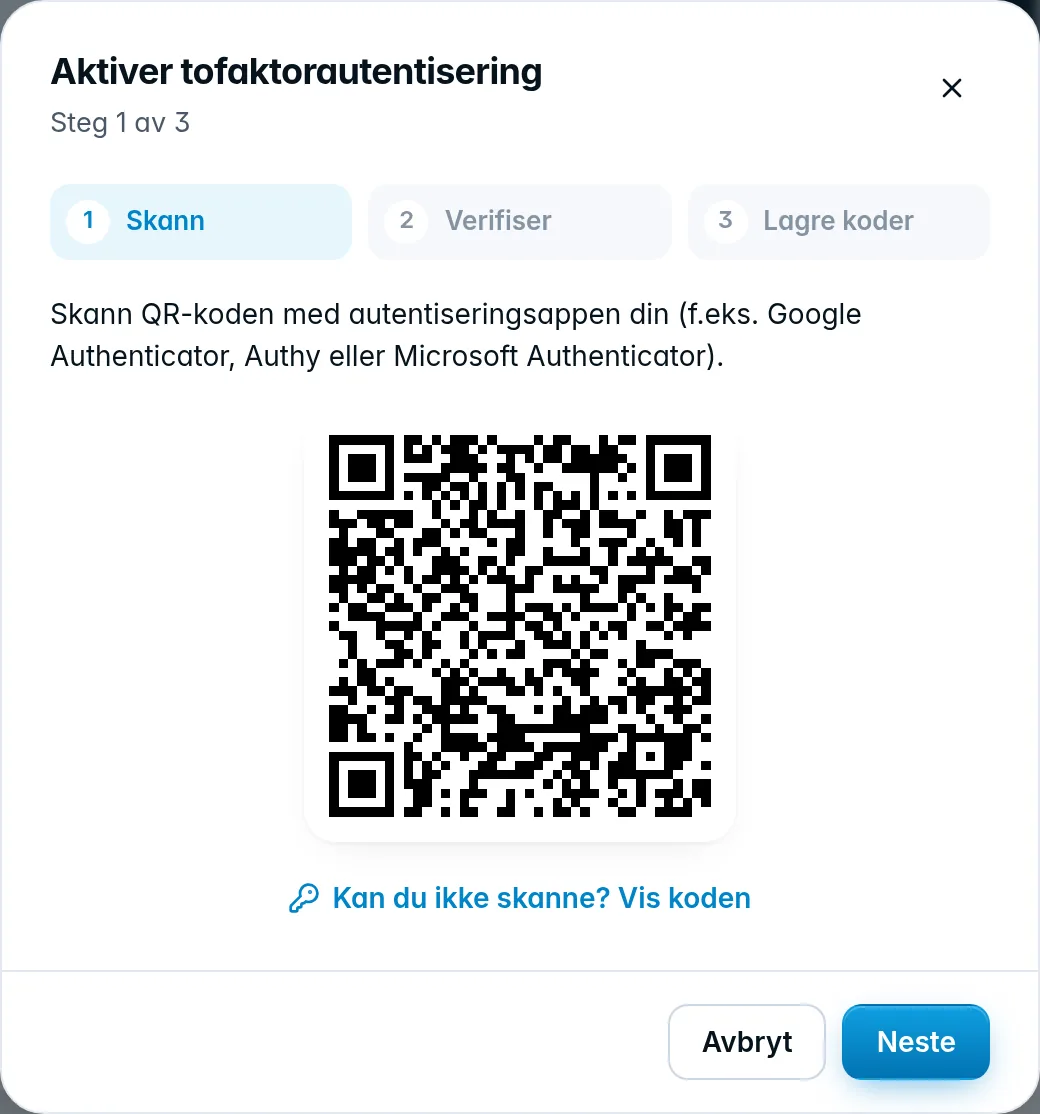
- Go to the Security tab and click Enable two-factor.
- Scan: scan the QR code with the app and click Next. If you can't scan it, click Can't scan? Show the code and enter the code in the app yourself.
- Verify: enter the 6-digit code from the app and click Verify.
- Save codes: you get your recovery codes. Keep them safe (see below), check I have stored my recovery codes somewhere safe. and click Finish.
The next time you sign in, you're asked for a one-time code from the app after your password.
Was this page helpful?