Change password
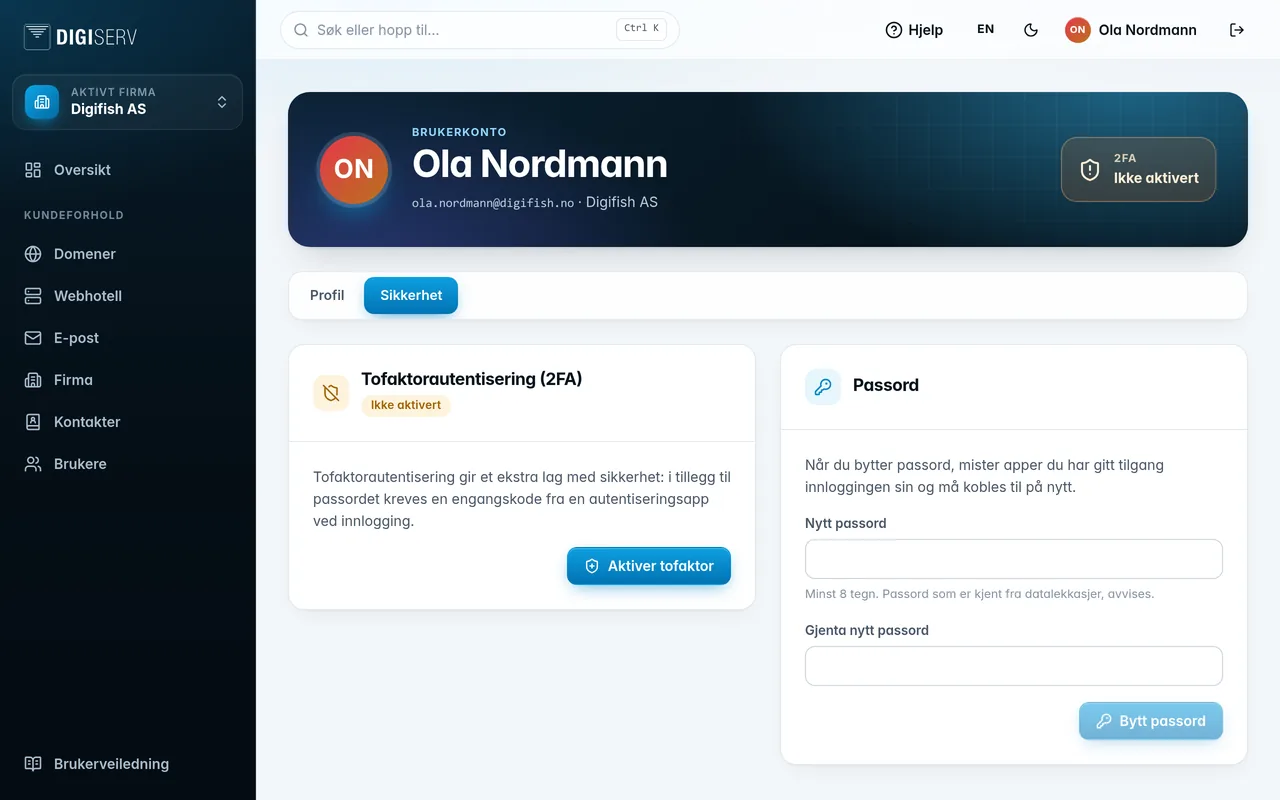
- Go to the Security tab.
- Enter the new password under New password and once more under Repeat new password.
- Click Change password.
The password must be at least 8 characters. Passwords known from data breaches are rejected. You get an email saying your password has been changed.
Was this page helpful?