Contacts
Under Contacts in the menu, you see all of the company's contact persons, with email, phone and the roles they have. Contacts are used as subscription, invoice and domain contacts, and as owners and contacts on domains.
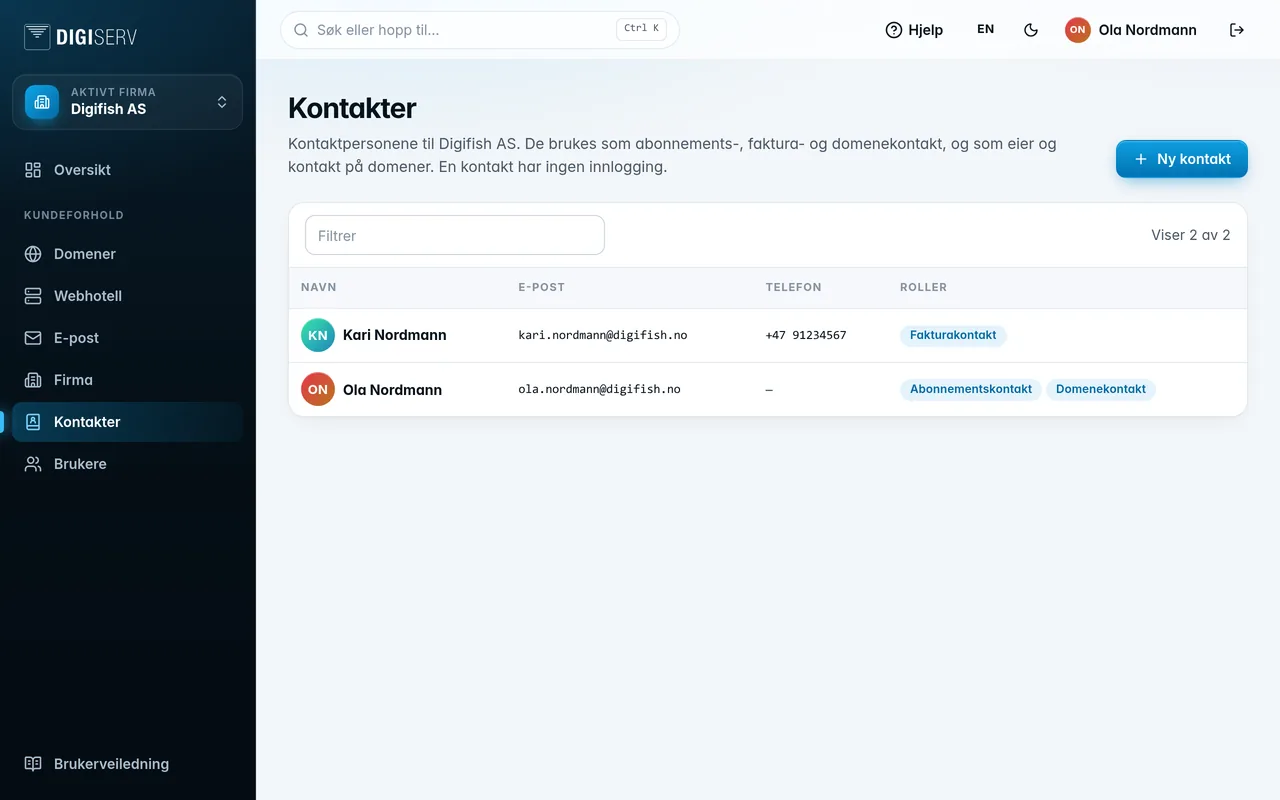
Add a contact
- Click New contact.
- Fill in First name, Last name and Email address, and optionally Phone number.
- Click Save.
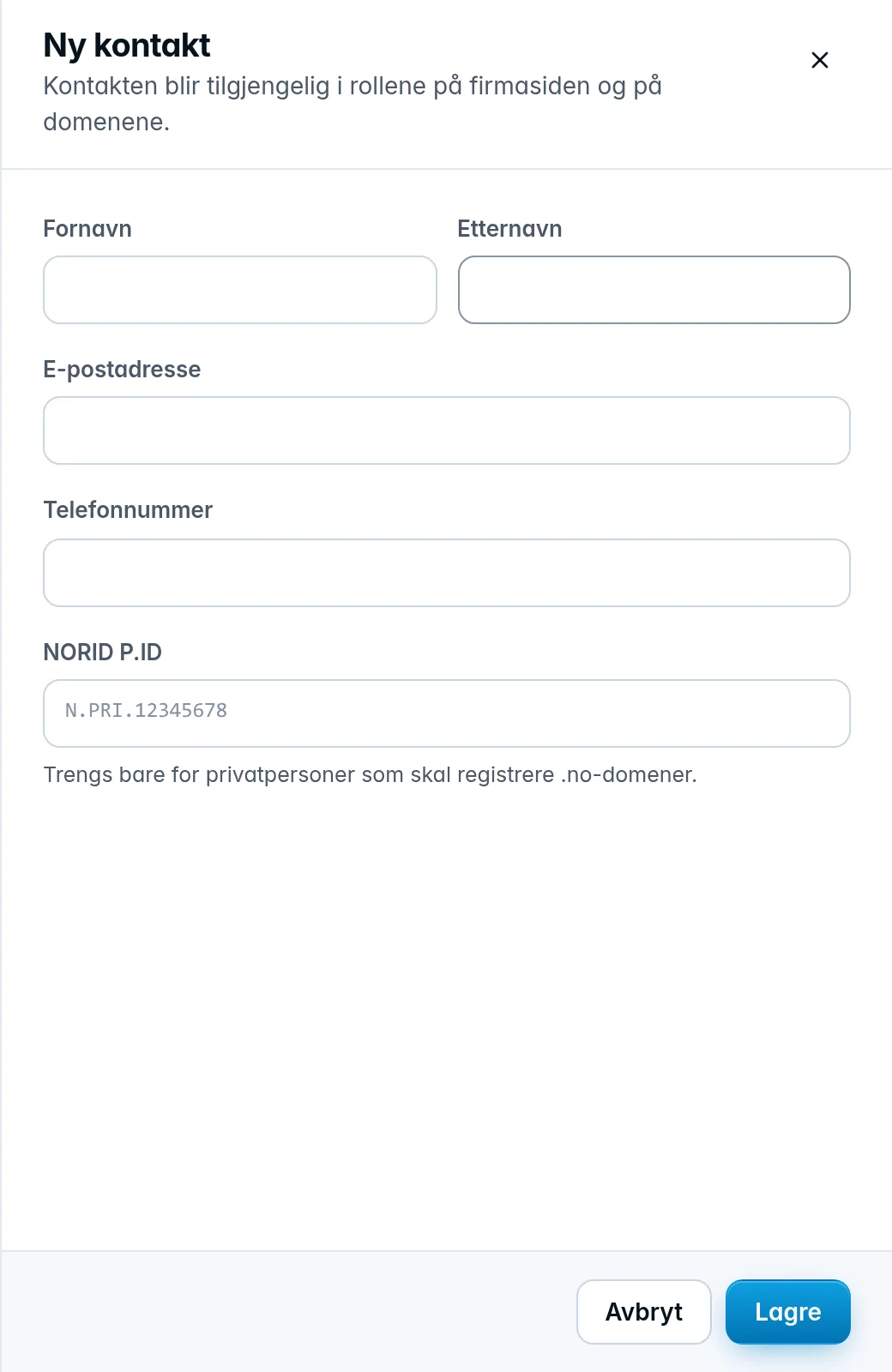
The NORID P.ID field is only needed for private individuals who will register .no domains. Leave it empty otherwise.
The new contact can be chosen right away in the roles on the company page and on domains.
Edit or delete a contact
Click the contact in the list, make your changes and click Save. To delete, click Delete and confirm.
A contact who has a role on the company can't be deleted. Choose another contact for the role on the company page first. If you delete a contact and later create a contact with the same email address, the old one is restored.
If a contact in the list has the Deleted badge, it's been deleted but still fills a role. Choose another contact for the role on the company page.