The order page
The order page shows the status of the order, and the forms we need answered before we can deliver. If it says Some of the products require additional information before they can be delivered!, fill in the forms one by one. At the top, you see how many have been completed.
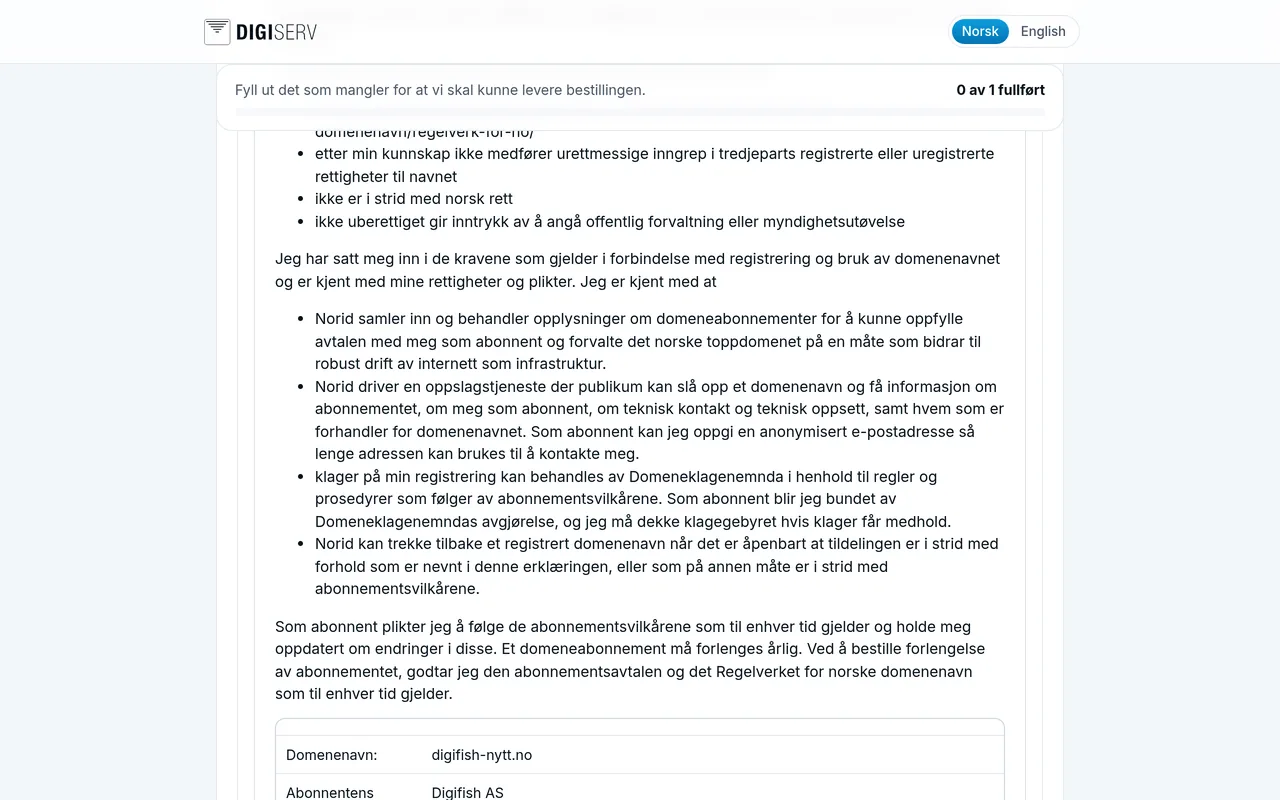
| Order | Form |
|---|---|
| New .no domain | Applicant's declaration. Norid requires the person placing the order to sign an applicant's declaration. Enter your first and last name, tick the box to confirm that you have read and accepted the subscription terms, and click Submit. |
| Domain transfer | Transfer code / Auth info. You get the transfer code from the provider the domain is with today. Paste it under Authinfo/EPP Code and click Submit. |
| Certain other extensions | Some domain extensions have their own requirements, for example the Punktum.dk terms for .dk. The form then appears here. |
| No form. The service is set up automatically. |
When everything has been filled in, it says Your order is being processed. You do not need to do anything more. You get an email when the order has been delivered.
Was this page helpful?