The company switcher
The company switcher is the fastest way between customers. Open it with the button at the top of the menu, which shows the company you are working as, or with the / key.
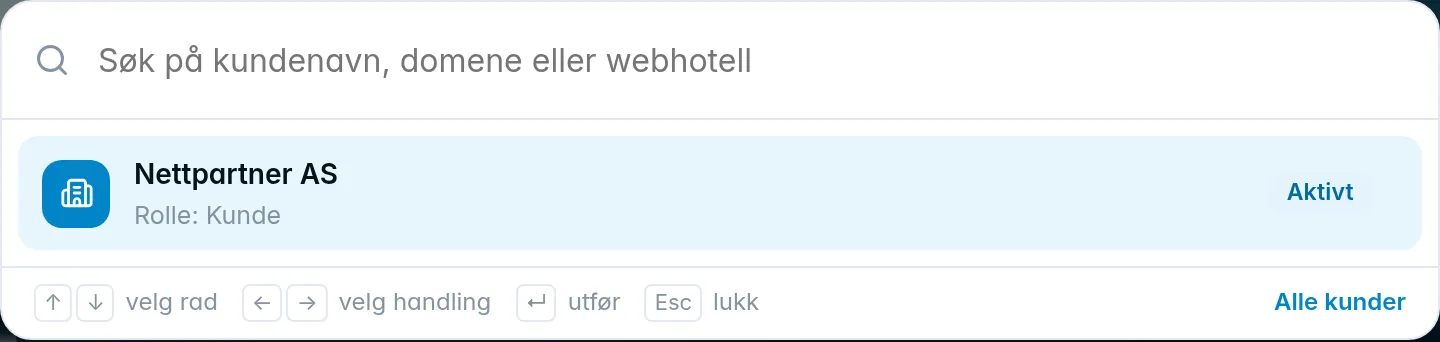
- Without a search, the switcher shows My companies, that is, the companies you are a member of yourself, with your role in each of them.
- Type at least two characters to search by customer name, domain or web hosting account. The results show the customer with the number of domains and web hosting accounts, and the services that match the search.
- Next to a service, click Open to go straight to it at the customer, or Switch to customer to go to the customer's home page.
- The All customers link at the bottom opens the customer list.
You can control the switcher with the keyboard: the arrow keys select the row and action, Enter runs it, and Esc closes.
When you are working as a customer, the button in the menu says Other company, and below it is the Back to button with the name of your own company. It takes you back in a single click.
See also Getting started.
Was this page helpful?