Your customers
As a reseller, you have Customers in the menu. The list shows your own company and the customers you are the reseller for, with name and organization number.
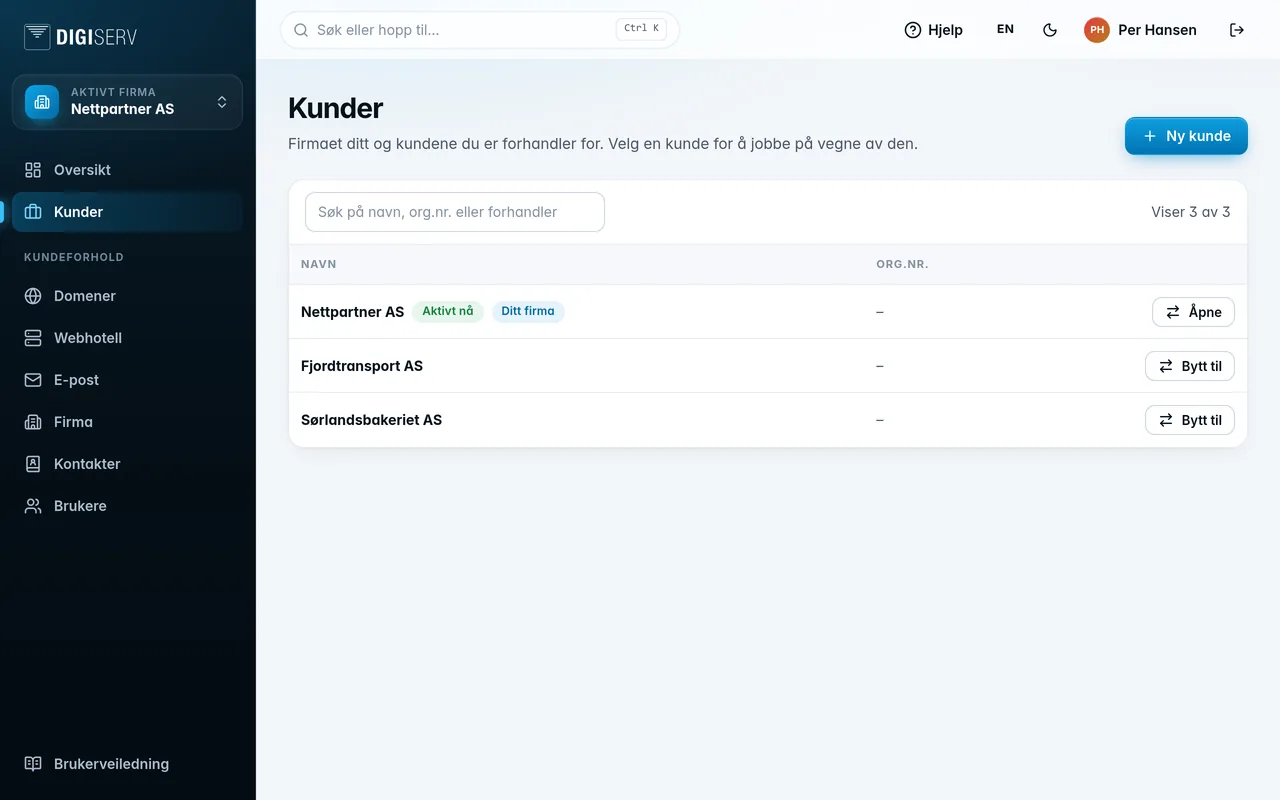
The badges next to the name mean:
- Active now: the company you are working as right now.
- Your company: your own reseller company.
- Private customer: the customer is a private individual without an organization number.
- Contact problem: one of the roles (subscription, invoice or domain) points to a deleted contact. Switch to the customer and choose a new contact under Company.
The search field searches names and organization numbers. If any of your customers have a contact problem, you can choose the Contact problem filter to see only them. The list shows 100 customers at a time. Click Show more at the bottom for the rest.
Was this page helpful?